
Export
Click the Export button on the toolbar at the top of the main window to pop up the export window.
The Export window is shown below:
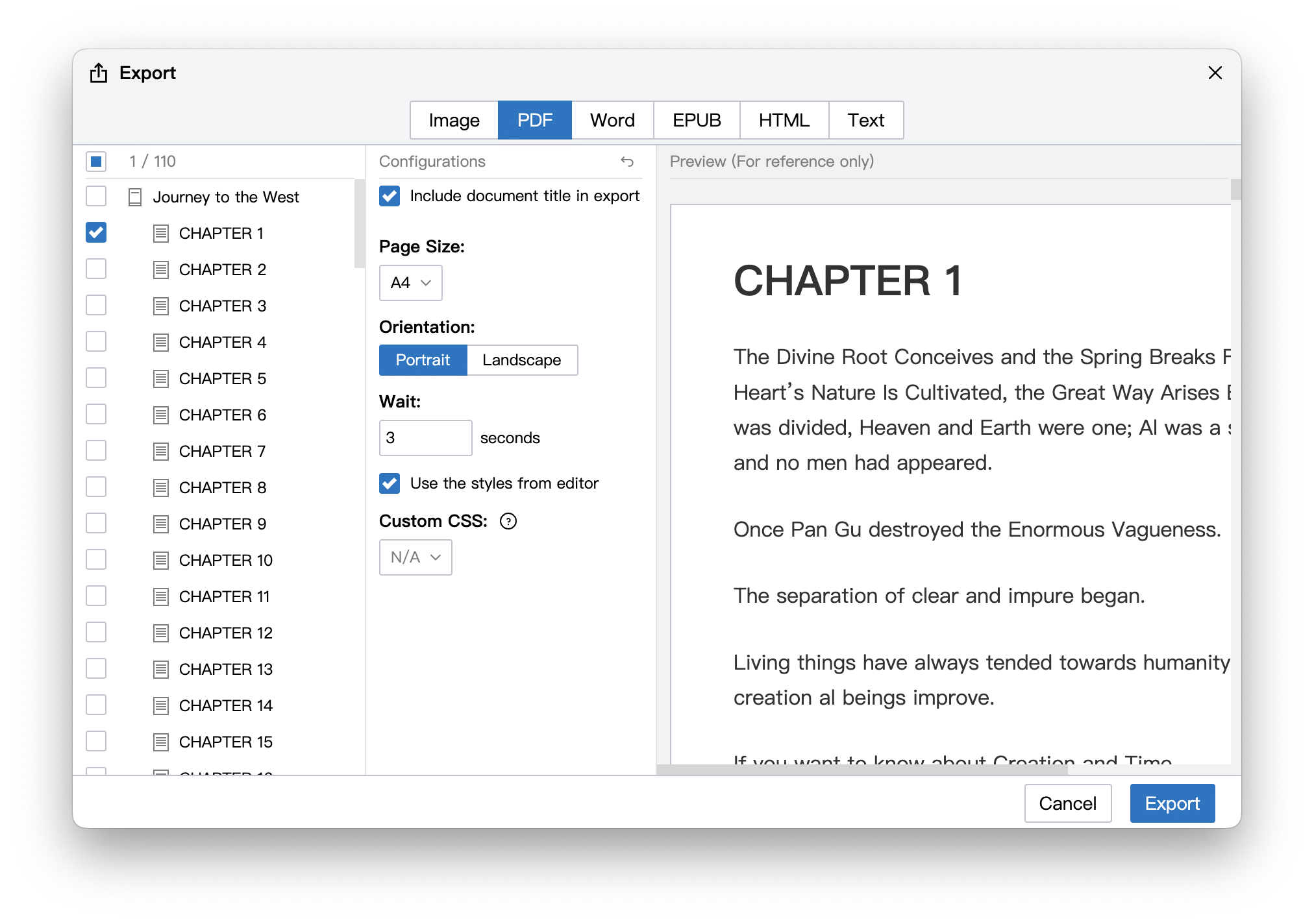
Exporting to the following formats is currently supported:
- Image (PNG)
- Word (docx)
- Epub
- Web pages (HTML)
- Text/Markdown
You can export only one document, or you can select multiple documents to export at one time, the latter is useful when exporting long-form works.
If you choose to export as text or webpage, and multiple documents are selected, you can choose whether to export as a single file or a folder. If exported as a folder, the file will maintain the structure in the directory tree.
The built-in export preserves common formatting from the editor, including tables, code blocks, and code syntax highlighting. When exporting to PDF, if your document needs visible background effects, enable Print backgrounds in the export settings.
WARNING
Avoid exporting documents that are too long as image, which may fail.
INFO
In order to improve storage and retrieval efficiency, data is stored in JSON in the library, but you can export data to text format at any time, and maintain the directory hierarchy (folder) relationship, so your data always belongs to you , you can easily migrate to other writing software if needed.